
Microsoft · AI answers
Copilot
Identify Copilot by its user agent. Check request identity, review robots.txt controls and track visits in Aiola Analytics.
Key facts
CopilotWhat Copilot is
Copilot fetches web content for a Microsoft Copilot interaction rather than performing Bing's general index crawl. Aiola classifies it as AI answers because access happens on demand.
In Aiola's taxonomy, AI answers means fetched to answer a user's question now.
Copilot user agent
Look for the match token inside the complete HTTP User-Agent header. Tokens can be spoofed, so use the network checks below for authentication.
CopilotCopilotOfficial IP ranges
Microsoft has not published official IP ranges that Aiola successfully fetched for Copilot. Aiola does not list cloud-provider ranges or community guesses as if they authenticated this crawler.
Verify a Copilot request
No IP authentication method is documented in this record for Copilot. Its user-agent token is a claim, not proof of identity.
Use the exact header token for classification and apply your own access controls. Check the vendor documentation for any newly published IP, token or header verification method.
Control Copilot with robots.txt
Copilot is user-triggered. Microsoft's controls may differ from automated crawling, so do not assume a robots.txt block is an authentication boundary.
User-agent: Copilot
Allow: /User-agent: Copilot
Disallow: /Aiola Analytics
See every Copilot visit on your site
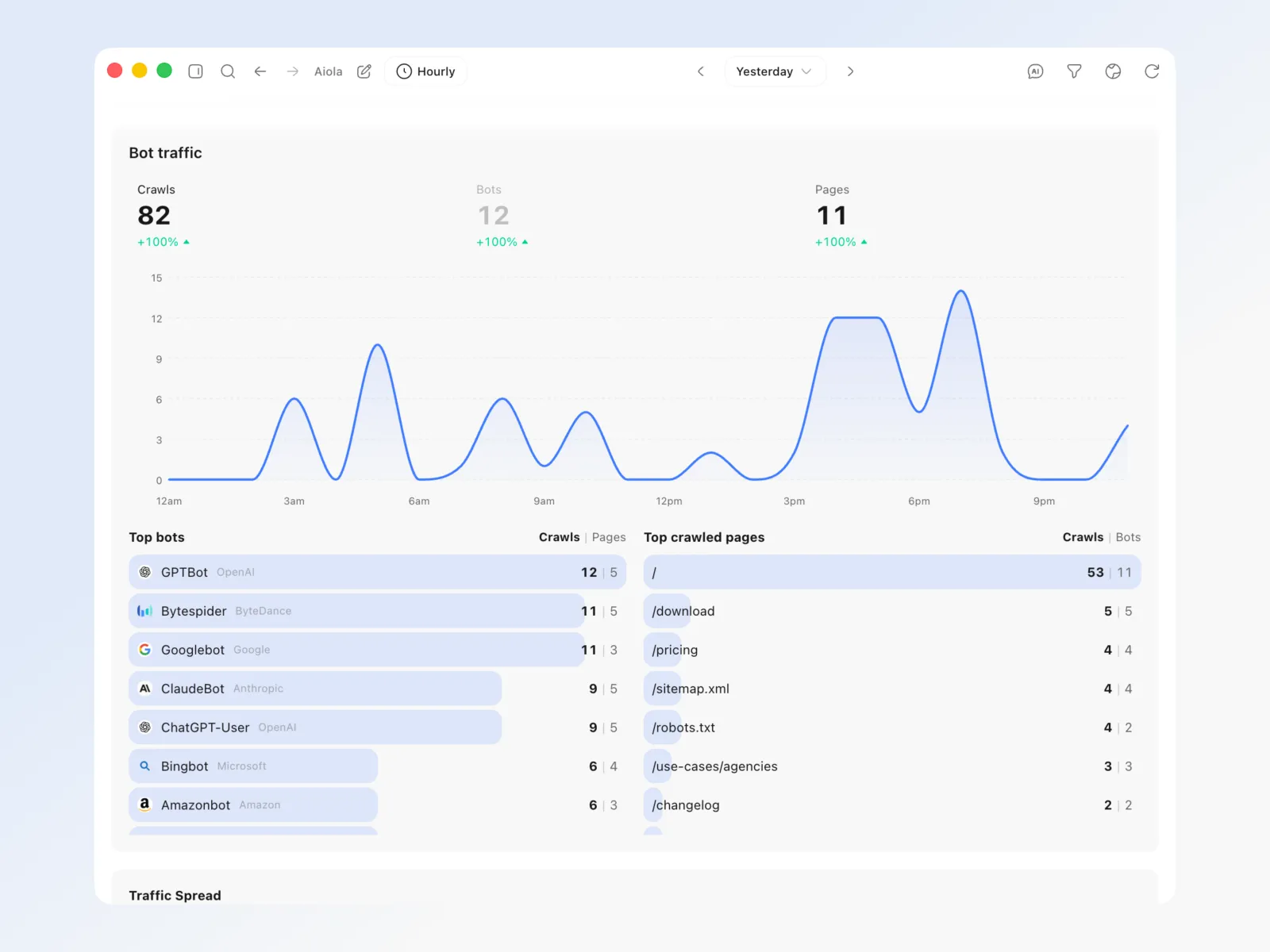
Aiola tracks 70 AI, search and link-preview crawlers next to your human traffic. See when Copilot arrives, which pages it requests and how that changes over time. Hosted Analytics needs Pro or a trial.
Common questions

Build, ship and fix in one app
Errors, user feedback, GitHub and analytics live next to your coding agents in one desktop app. Every issue becomes a task an agent can take.